
Finish a take, or turn it into a new one.
Upscale the keeper for delivery, restyle a shot for another look, swap the character or move the motion to a new scene. Every step is priced before it runs.

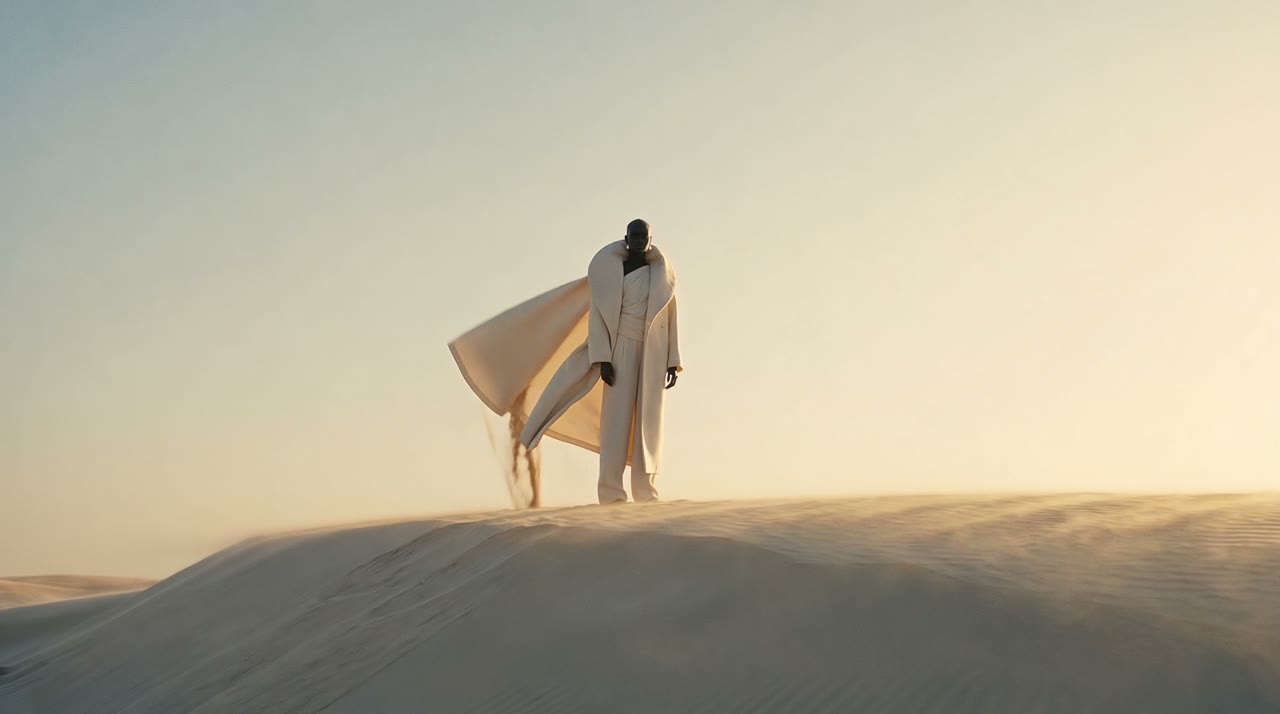
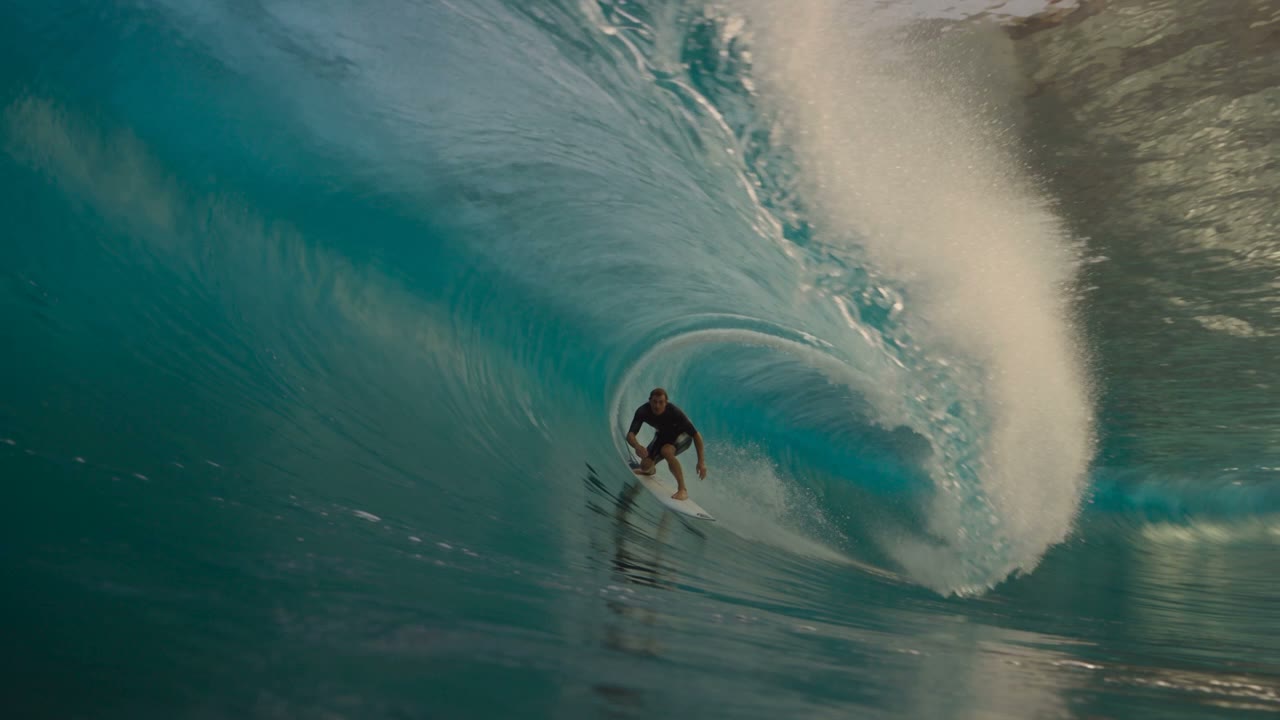
What you get, take after take.
Upscale for delivery
Take an approved shot to a higher resolution while keeping its timing.
Restyle and swap
Change the style of a shot or swap the character while the camera move stays.
From the take page
Every finished take offers these next steps with their price, one click away.
Start with these, priced on the Solo plan.
Upscale an uploaded video with Proteus to the chosen resolution at 24 fps.
Apply a chosen visual style to a 4-15s source clip.
Rebuild a 4-15s source clip using new references while preserving its movement and framing.
Regenerate the image with sharper textures and richer details while doubling resolution, up to 10 megapixels output.
Three steps.
- 01
Pick the take
Open a finished take in your library.
- 02
Choose the step
Upscale, restyle, swap or remix, with the price shown.
- 03
Compare
The new take sits next to the source, both with their records.
- Exact price before every take
- Refunded when no file lands
- Projects with hard caps
- Works with Claude Code, Codex and Cursor
Questions
Does upscaling change the motion?
No. Video upscaling keeps the timing of the source shot and adds resolution and detail.
Do I see the price before a take runs?
Yes. Every take shows its exact price next to the button, on the best-value route for that model and setting. Nothing is charged when no file lands.
Price your next take before you run it.
Every take shows its exact price first, lands in a project and is refunded when no file arrives.