
Connect Eden Gen to your AI agent
Pick your agent, copy one prompt, paste it. Then ask for images and video in the chat you already use. Every take is priced first and filed to your project.
Read the full setup docsIn Claude Code it adds the server itself. In the Claude app it walks you through Connectors, Add custom connector. Then it opens a browser tab where you sign in once and pick a project and a monthly cap.
Other ways to connect
- 1In Claude Code: run the command below, then type /mcp, pick eden-gen and sign in in the browser
- 2In the Claude app: open Connectors (under Customize or Settings), click Add, choose Add custom connector and paste the MCP URL
- 3Approve a project and a monthly cap, then ask for your first take
Custom connectors in the Claude app need a paid Claude plan. On Team and Enterprise an owner adds them first.
One chat, from brief to file.
Real asks, real tool calls. Every image and video in this window came out of Eden Gen MCP, priced before it ran.
All of Eden Gen inside the chat.
MCP brings the whole workspace to your agent, not just a render button.
Every model
157 image, video and audio models. Name one, or let your agent pick for the shot.
Best-value route
Each take is priced on every route that is ready and runs on the best value.
Price before it runs
Your agent quotes the exact price first. Above your threshold it stops and asks.
Caps per connection
Every connection belongs to one project with a monthly cap. Nothing runs past it.
Files in your projects
Every take lands in its project with the prompt, model, route and cost.
Refunds on failure
If a provider fails, the take is refunded on the spot, with the reason.
Say what you want. Eden Gen makes it.
Ask in your own words. Your agent picks the model, writes the prompt and brings back the result.


Art-direct stills in plain words
Key visuals, product shots, a whole campaign. Your agent can call Nano Banana Pro, GPT Image 2.5 or Nano Banana 2.1, and start from your own references.
Make an image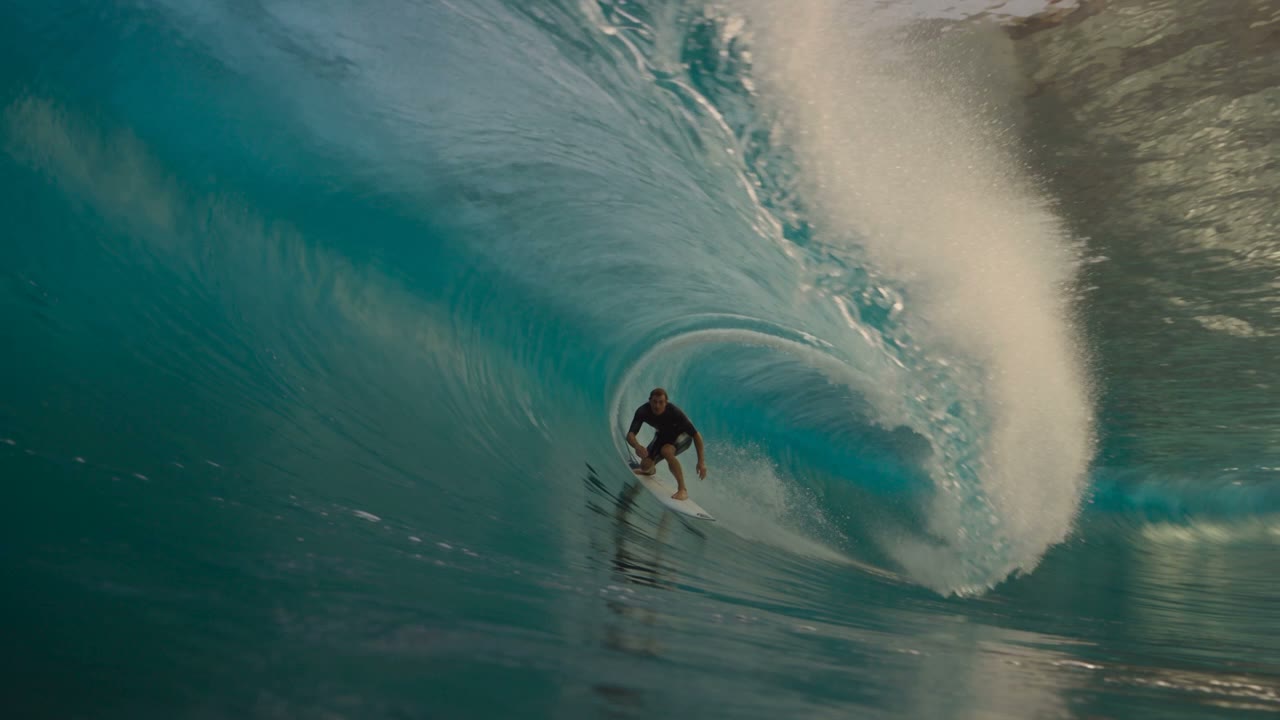

Direct the shot, sound included
Describe the camera, the light and the pace, or start from a still. Seedance 2.5, Kling 3.0 and Veo 3.1 render it, priced before it runs.
Make a video

Keep a character in every shot
Save a face, a product or a location once as an element. The agent passes it as a reference, so the hero looks the same from the first frame to the last.
Create an elementIt asks before it spends
Every connection has a project and a monthly cap. Above your threshold the agent stops, shows the price and waits for your yes.
Set a capMCP or API? Same engine, two ways in.
Eden Gen comes to your chat
For people working in Claude, ChatGPT, Cursor, Codex or VS Code.
- You are writing a brief and want three hero variants right there
- Your IDE is where the work happens
- Your team's assistant should render without anyone leaving it
- You want a price check before every take
Eden Gen runs in your pipeline
For scripts, apps and batch jobs, with REST and OpenAI-compatible endpoints.
- The same flow runs every week
- A brief should return 200 variants, not one
- Takes start from a webhook or a cron job
- Results go straight to your own bucket
Questions, answered before you connect.
What is MCP?
The Model Context Protocol lets an AI assistant use outside tools. Connect Eden Gen once and your agent can list models, quote a price, render and hand back the file.
Which agents work with Eden Gen MCP?
Claude, Claude Code, ChatGPT, Cursor, Codex, VS Code, Gemini CLI and any client that speaks Streamable HTTP MCP. Clients with MCP sign-in connect through the browser; the rest use an API key.
Do I need an API key?
Not for clients with MCP sign-in. You approve the project and a monthly cap on a consent screen. Other clients use a key from API keys, scoped to one project.
How does pricing work?
The price of the best-value route plus your plan fee, the same as in the workspace, shown before the take runs. Failed takes are refunded to your balance. Above your threshold the agent asks before it renders.
How do I know which model and route ran?
Every reply and every take page shows the model, the route that ran it and the price. The same record is in your usage export.
Where do my results go?
Into the project the connection belongs to, with the prompt, model, cost and route, next to everything your team made in the workspace.
What is the difference between MCP and the API?
Same engine, same prices. MCP is for working in a chat or an IDE. The REST and OpenAI-compatible API is for your own scripts, pipelines and apps.
Is my data used to train AI models?
We do not train models on your prompts or outputs, and we never sell them. Requests go to the provider APIs under their API terms.