
From a product photo to a product video.
Start with the photo you have. Pick a camera move and a setting, and get a short clip for the product page, an ad or social, with the price shown before it renders.
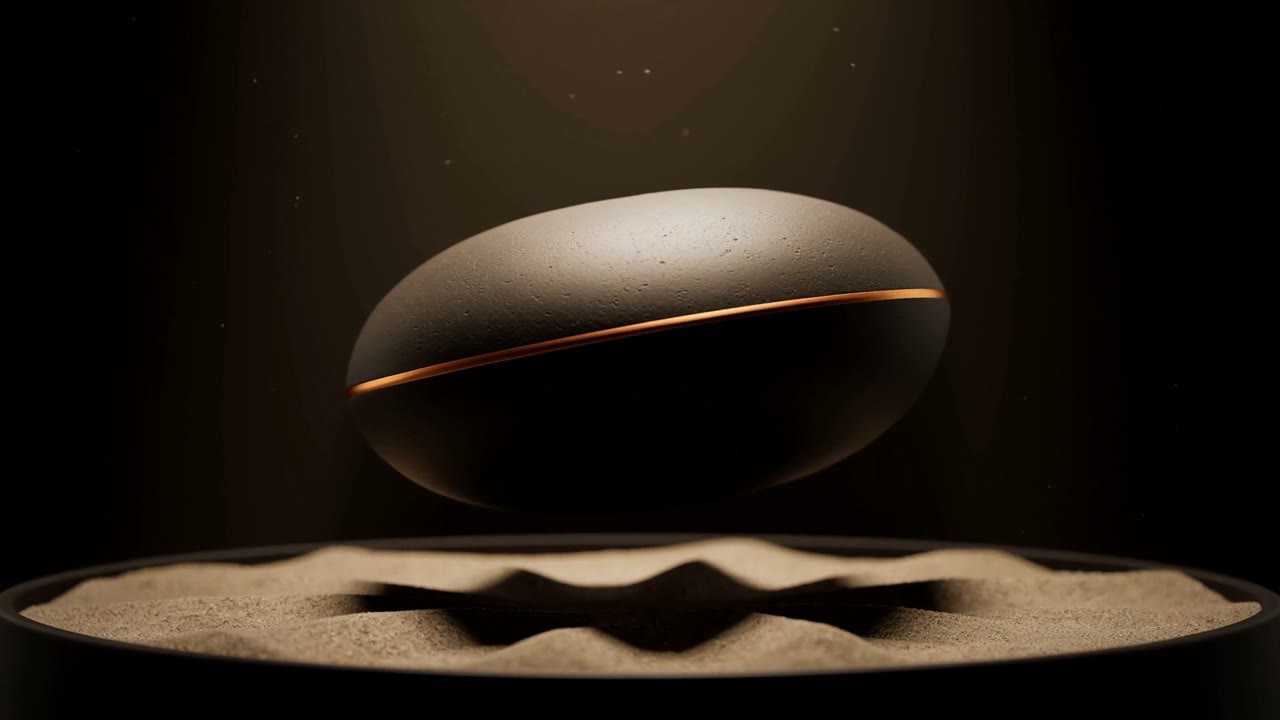
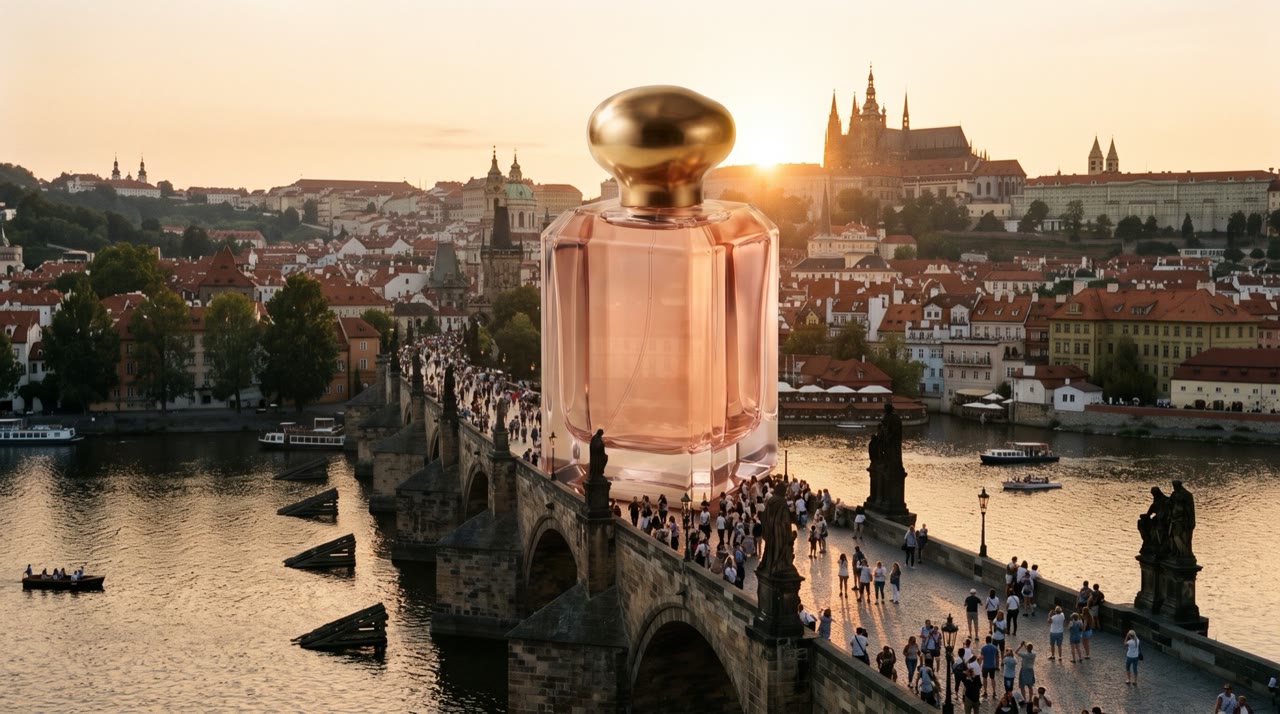
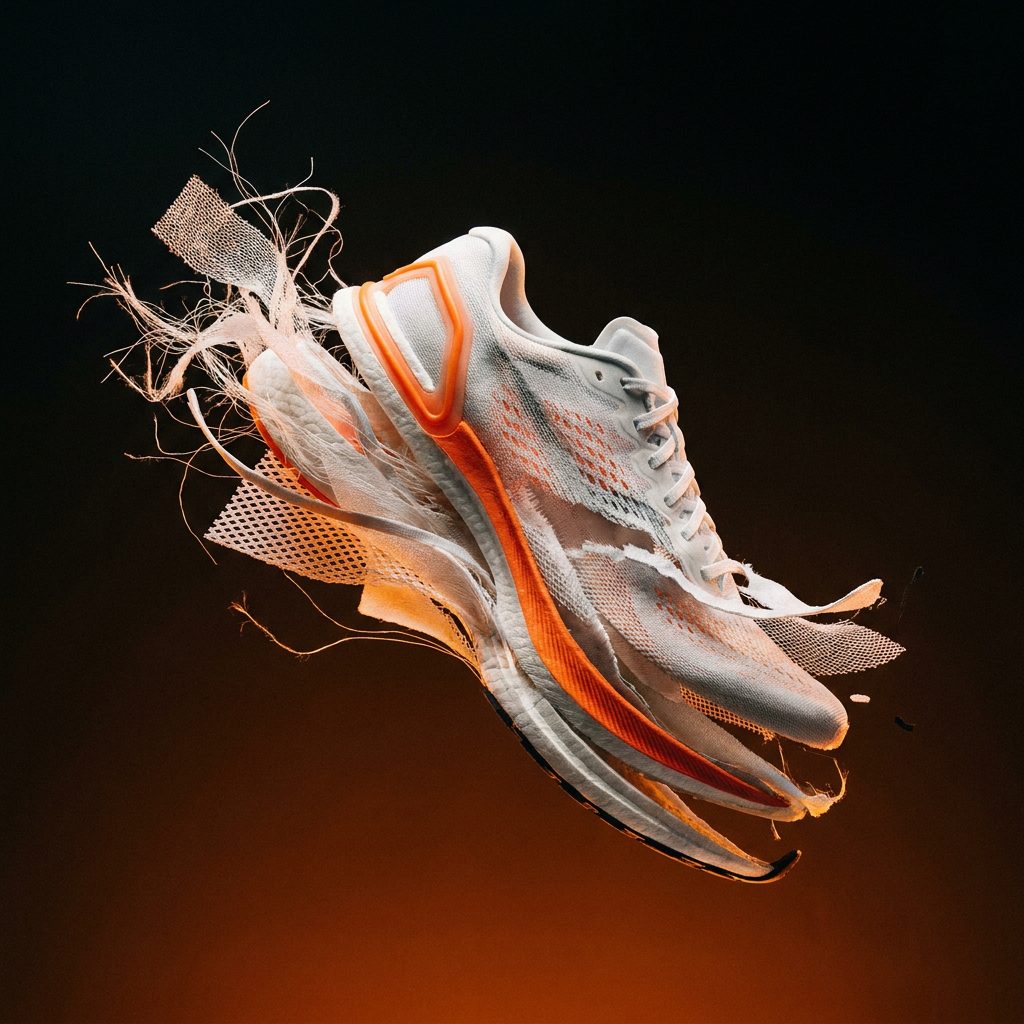
What you get, take after take.
Reference first
The product photo goes in as the reference, so the clip shows your product and not a lookalike.
Camera moves that sell
Orbit, push-in or a slow reveal: describe the move and the model follows it.
Draft cheaply
Try the idea on a fast, low-cost model, then finish the one you like in full resolution.
Start with these, priced on the Solo plan.
Animate a frame. Precise first and last frame control.
The workhorse. Multishot, references, up to 30 seconds.
Veo quality for a quarter of the price.
The most efficient way to test motion and composition.
Three steps.
- 01
Add the product photo
Upload it once and save it as an element.
- 02
Describe the shot
Setting, light and camera move in one or two sentences.
- 03
Pick the take
Compare drafts, then finish the best one for delivery.
- Exact price before every take
- Refunded when no file lands
- Projects with hard caps
- Works with Claude Code, Codex and Cursor
Questions
How long can a product video be?
It depends on the model. Most video models make 5 to 10 second shots, and some go longer. Each model page lists its durations and price per second.
Do I see the price before a take runs?
Yes. Every take shows its exact price next to the button, on the best-value route for that model and setting. Nothing is charged when no file lands.
Price your next take before you run it.
Every take shows its exact price first, lands in a project and is refunded when no file arrives.